Skip to content

radar

Autonomous Cyber Intelligence

Know about the leak before it becomes an incident. radar continuously watches your external attack surface, your leaked passwords, the preparation happening on the dark web and the clones of your brand. What it finds turns into an action, not an alert.

Why Threat Intelligence Often Fails

The intelligence market stops after two stages. First, observation: the platform collects artefacts and hands over a list of indicators. Second, understanding: context is added to the indicator and a report is written. The third stage, acting, is almost always left to a person.

That is where the problem starts. Threat volume grows thousands of times faster than an analyst can read; the one that matters is lost among the thousands that do not. By the time a leak is noticed, the attack has often already happened — because there is a human between finding it and fixing it.

radar takes on the third stage as well. Detection, correlation and response are one chain: the decision is made at machine speed and the action runs inside the customer's own perimeter, within agreed legal limits.

The intelligence chain: where the industry stops
StageTypical XTI / CTIradar
ObserveCollects artefacts, returns a list of indicatorsThe same, but the sources are regional
UnderstandAdds context to the indicator, writes a reportContext is bound to your assets and your sector
ActHands it to a person — reactive, manualAutomatic: IAM, firewall, takedown
StateThe event is logged and stays thereA risk is either open or resolved — nothing in between
CorrelationEvery module files its own reportFour sources converge into one conclusion

Data on its own is cheap — the value is in the overlap

An exposed VPN on its own is a vulnerability. A leaked administrator password on its own is an incident. An attacker active against your sector on its own is a statistic. All three at one organisation inside one week is an imminent breach.

No single module sees that. The customer gets one conclusion rather than four separate reports — and every conclusion arrives with what to do about it.

Six Modules

What radar Does

Discovery

  • The perimeter is scanned continuously: ports, services, versions, certificates
  • Every service is fingerprinted by version; vulnerabilities under active exploitation are separated out
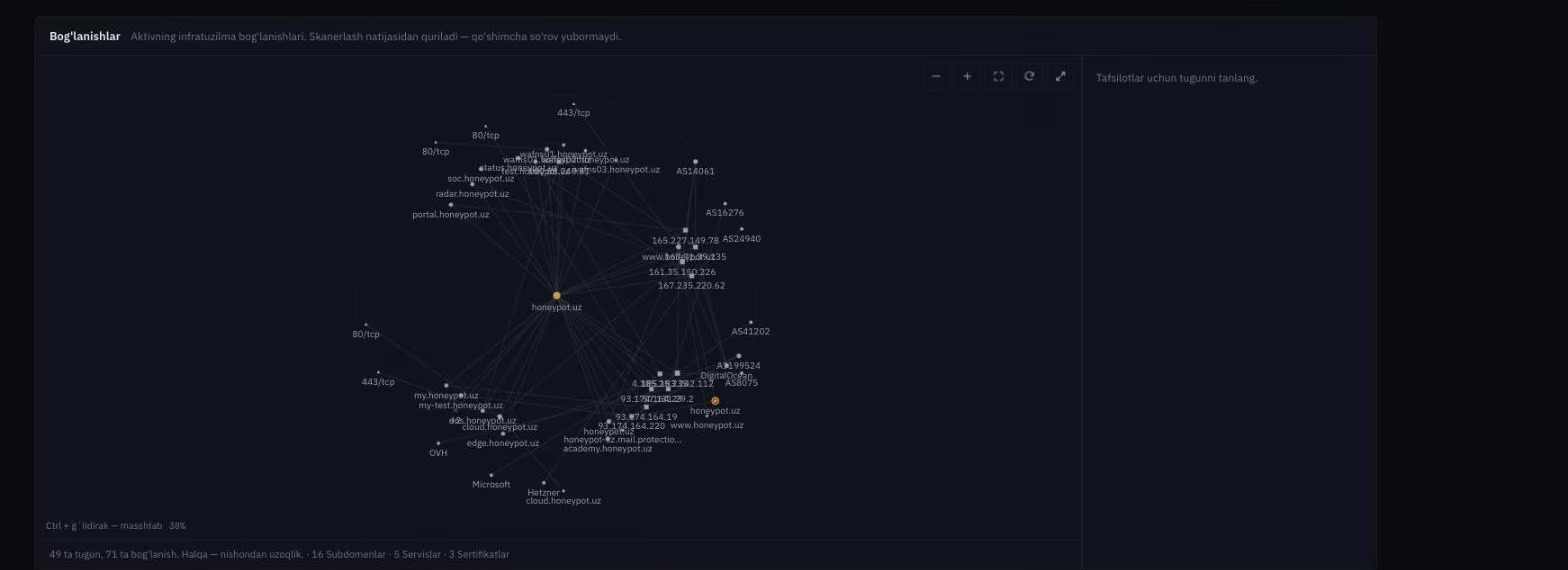
  • Assets you did not know about surface: a forgotten subdomain, an unmanaged IP, an open database
  • The output is not a list of ports — which three matter today and how to close them

Inside The Console

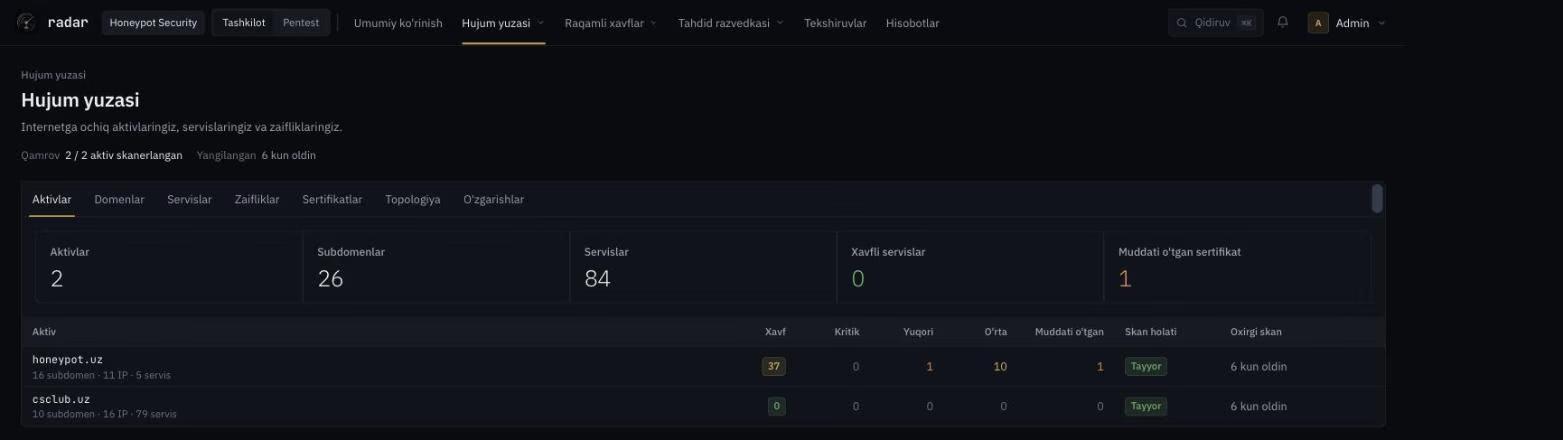
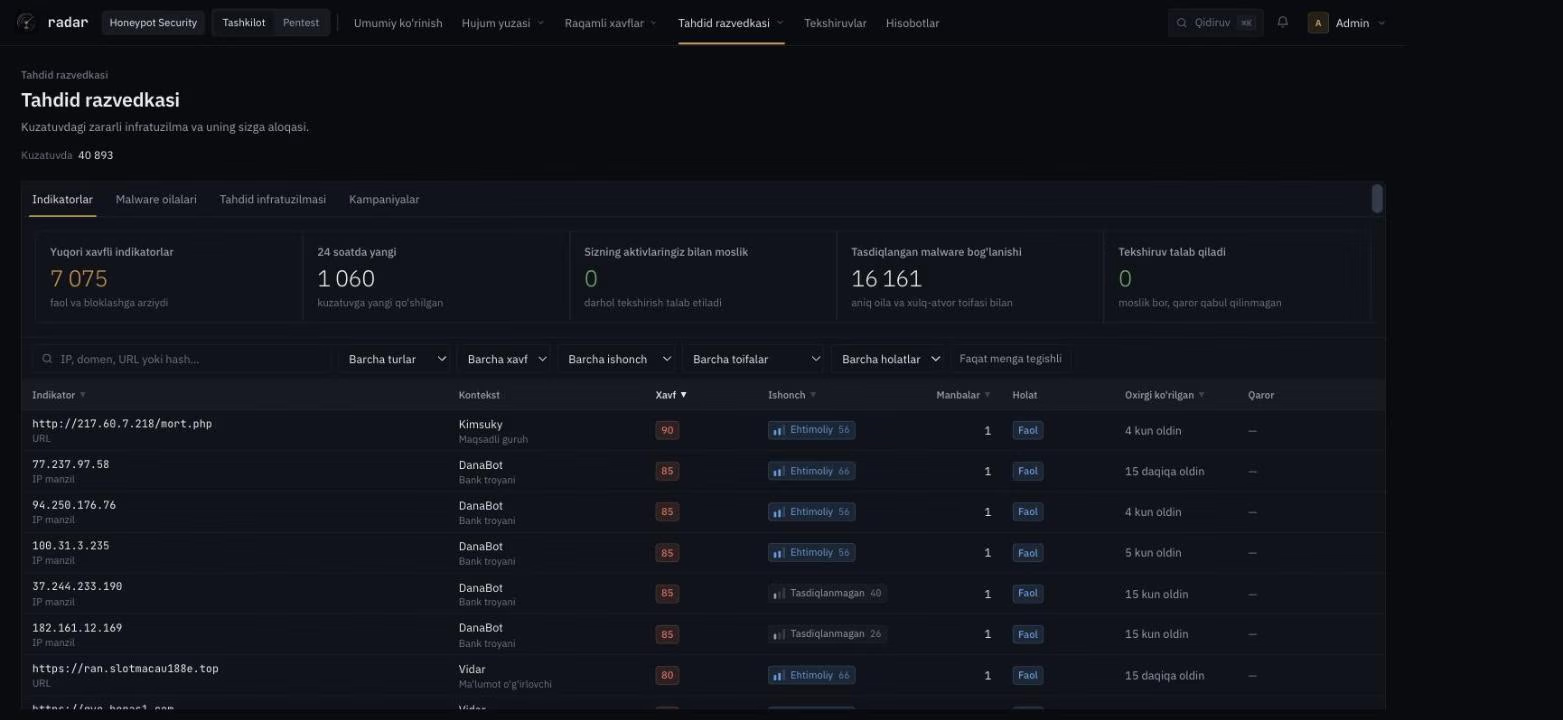
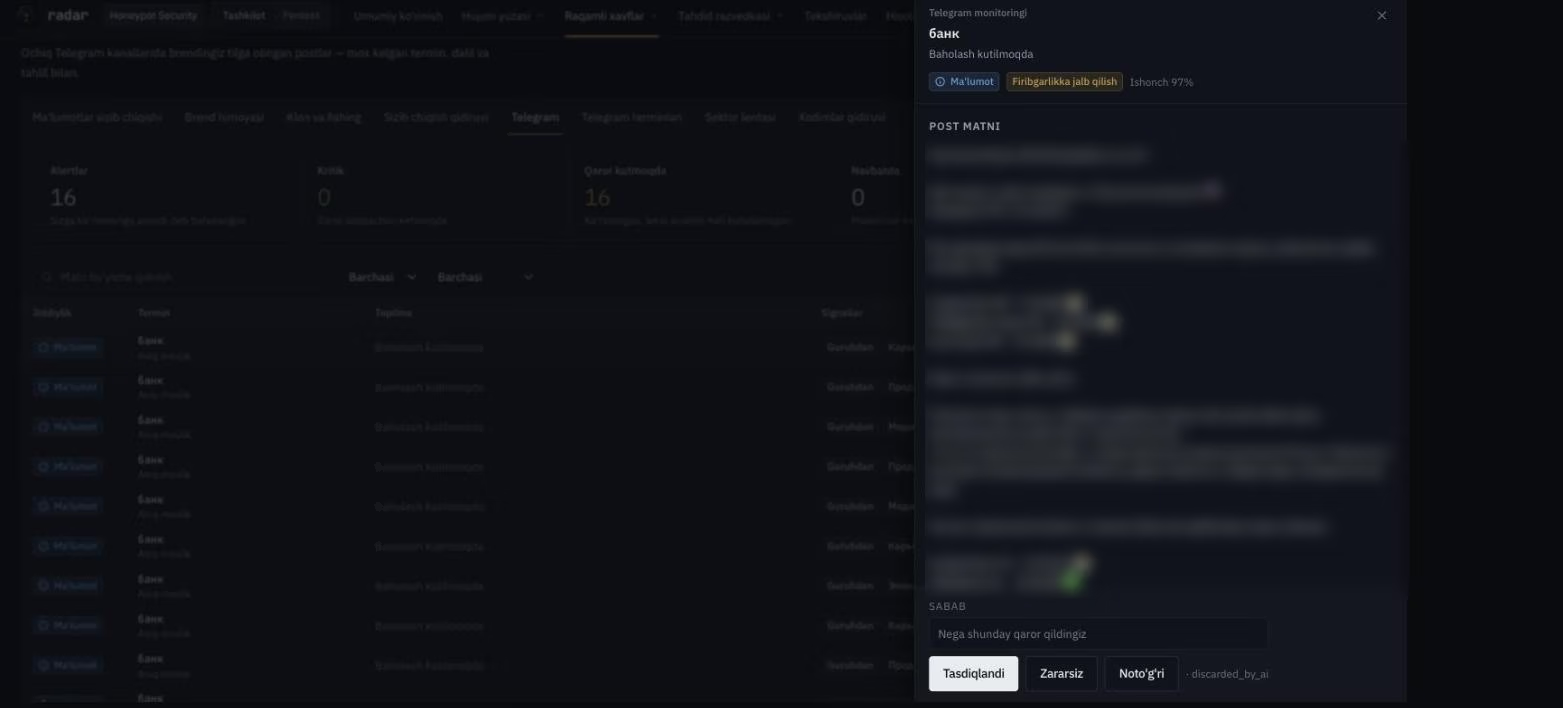
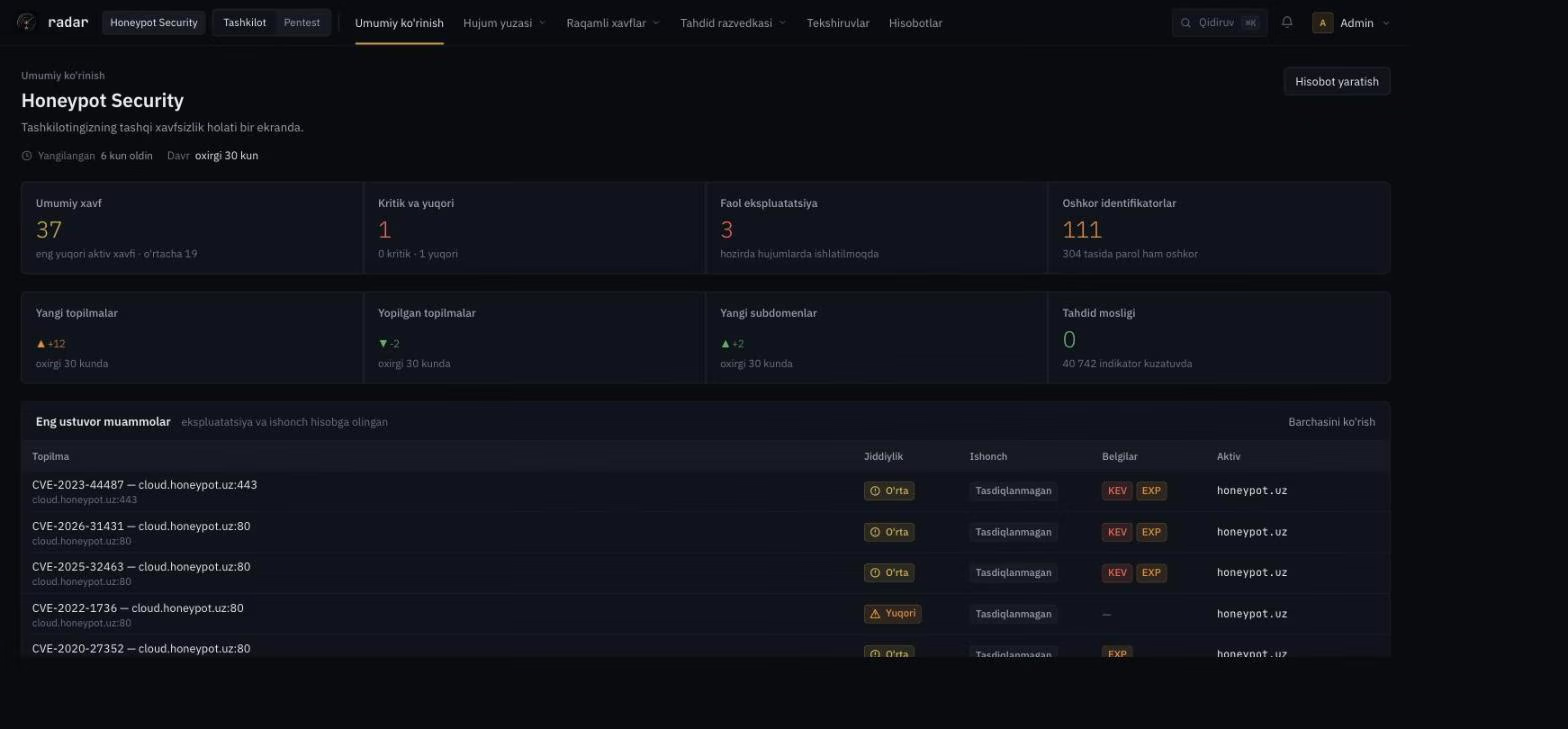
These frames are from the radar console itself — the Honeypot Security organisation, on its own domains.

Overview

External security posture on one screen: the overall risk score, critical and high findings, vulnerabilities under active exploitation and the prioritised issue list.

Trigger — action — result

radar produces intelligence and acts on it. The three triggers below can run fully automatically.

Trigger and the action taken in response
TriggerAutomatic actionResult
Leaked passwordIAM auto-resetSessions revoked, MFA enforced
Clone or phishing siteAutomatic takedownBlocked in the browser, complaint filed with the registrar
Attacker C2 or sourceFirewall / EDR auto-blockThe SOAR playbook fires

Local depth

Regional phishing, fraud schemes, forums and language.

  • Campaigns aimed at the Uzbek sector
  • Local language and transliterated variants
  • Sources a global vendor's sensors do not reach

Autonomous

Not an alert — an action. No queue behind a human.

  • Decisions at machine speed
  • IAM, firewall and takedown automatically
  • The customer sets the limits

Data stays in country

Data residency built for regulator and bank requirements.

  • Data never leaves the country
  • Immutable audit log
  • Regulator reporting

Affordable

Substantially cheaper than a global platform.

  • Regional price level
  • Expand module by module
  • No paying for global coverage you do not use

Fast to start

Local language, local team, fast onboarding.

  • Enter a domain and a brand — scanning starts
  • No agent to install
  • Support in your own time zone

How The Platform Itself Is Protected

radar is built for security teams, so the platform itself is held to the same standard.

Platform security
ControlHow it is implemented
EncryptionFull encryption in transit — all data protected
Enforced MFAMulti-factor authentication is mandatory for every user
Immutable audit logEvery login, search and change — in a log that cannot be rewritten
Invitation onlyNo open sign-up — an administrator creates the account
Data residencyData stays in country — aligned with regulator and bank requirements

The platform console runs at its own address: Open the console

Questions

Frequently Asked Questions

Your domain and the brand names you want protected. There is no agent to install and no network access required — the discovery, intelligence and brand modules work from the outside. Autonomous action needs an integration on your IAM, firewall or SOAR.

You set the limits. Every trigger has three modes: notify only, act on confirmation, or fully automatic. Most customers put takedown and firewall blocking on automatic and keep IAM reset on confirmation. Every action taken stays in the log.

Only inside your perimeter and in your name: a password reset in your IAM, a block on your firewall, a registrar complaint about clones of your brand. radar does not touch infrastructure that is not yours.

Closed forums, paste sites, dark web markets and infostealer logs. Findings are not purchased and not redistributed — only the part that belongs to your organisation is shown to you.

radar is not there to replace it. Global platforms cover regional sources, local language and local fraud schemes poorly. Most customers run both: the global one for breadth, radar for local depth and autonomous response.

In country. That is deliberate, so it aligns with regulator and bank requirements; at the Enterprise tier a dedicated instance and regulator reporting are available as well.

See The Regional Threat First

Ask for a demo — we will show you a first view of your domain: the external surface and any exposed leaks. Nothing is changed at this stage.

Let’s start
Request a demo
Request a demo